

Multi-Page Applications (MPA)
MPAs reload the page on every navigation.
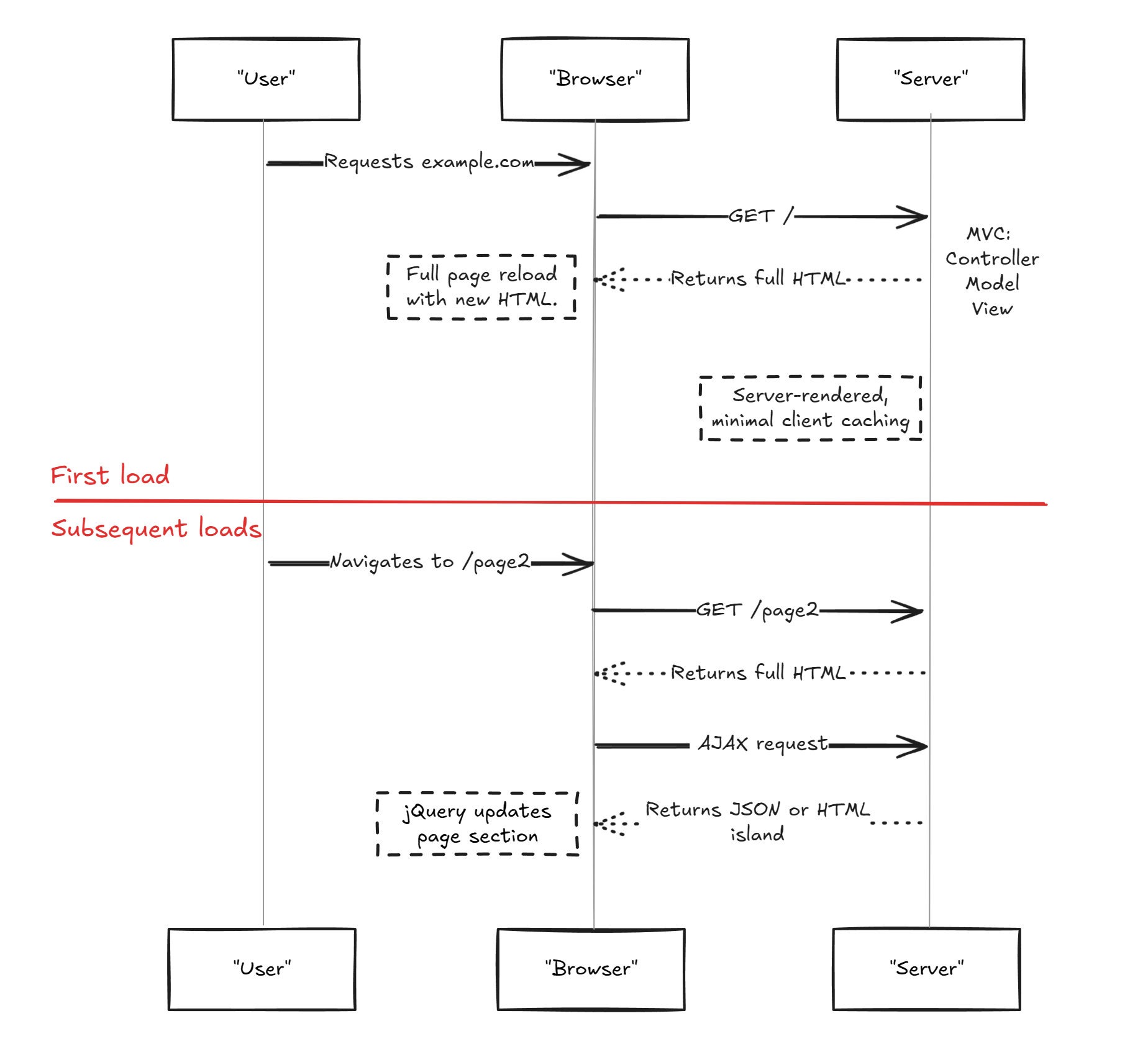
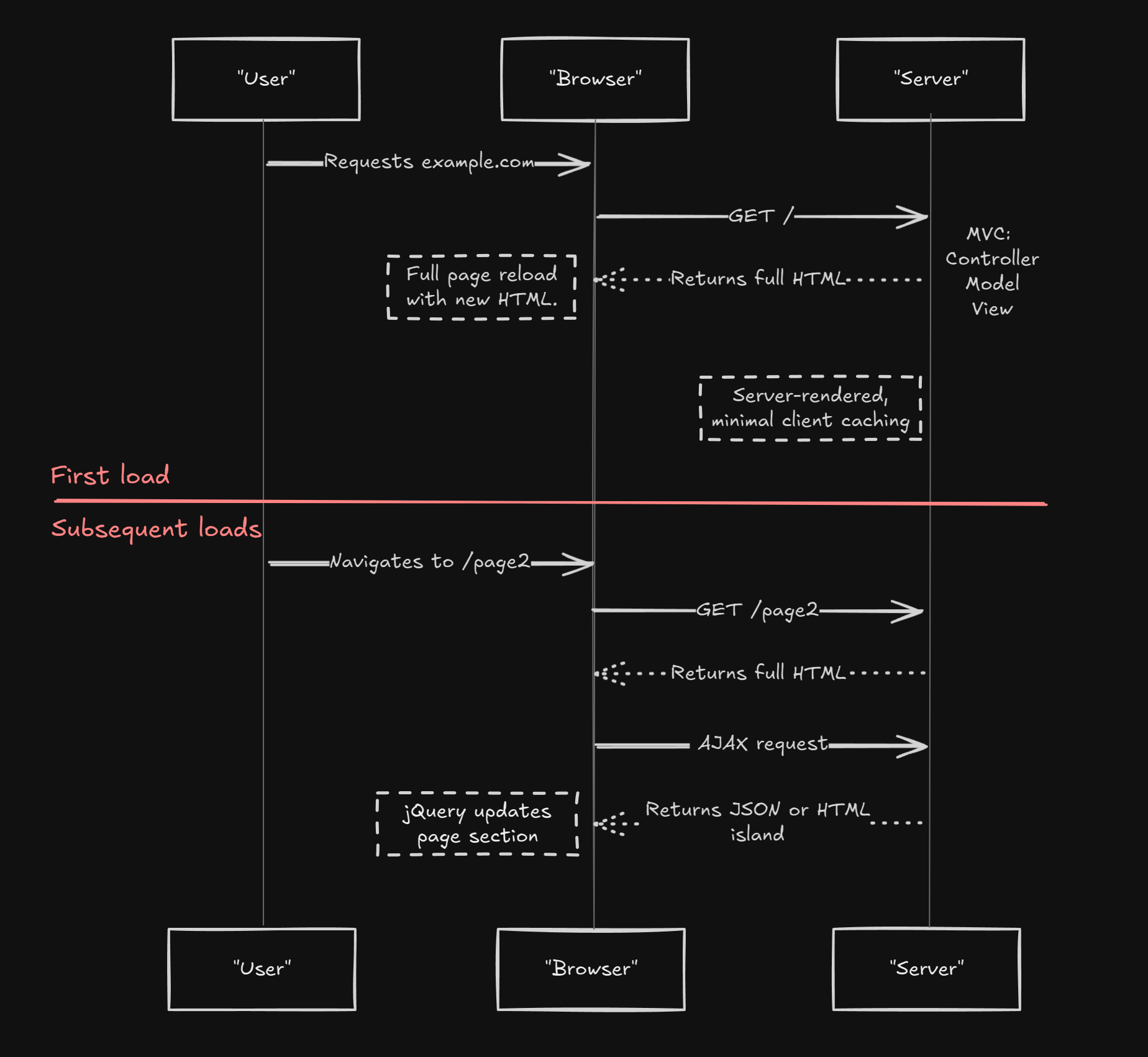
- Simple architecture.
- Full HTML is delivered on first load.
- When pages are mostly static, they can be effectively cached and delivered by a CDN.
- Navigation is slower due to full page reloads.
- Dynamic updates require complete page refreshes.
Single-Page Applications (SPA)
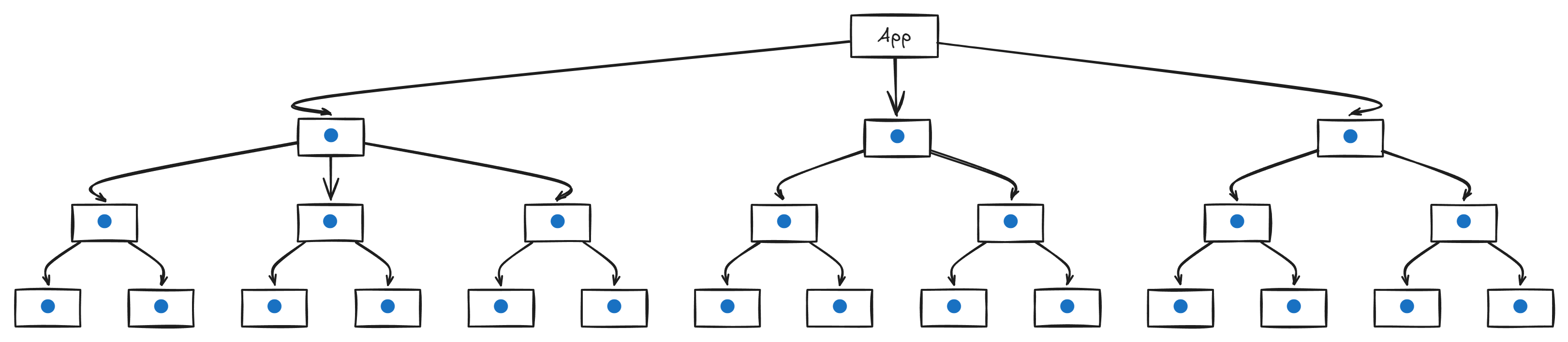
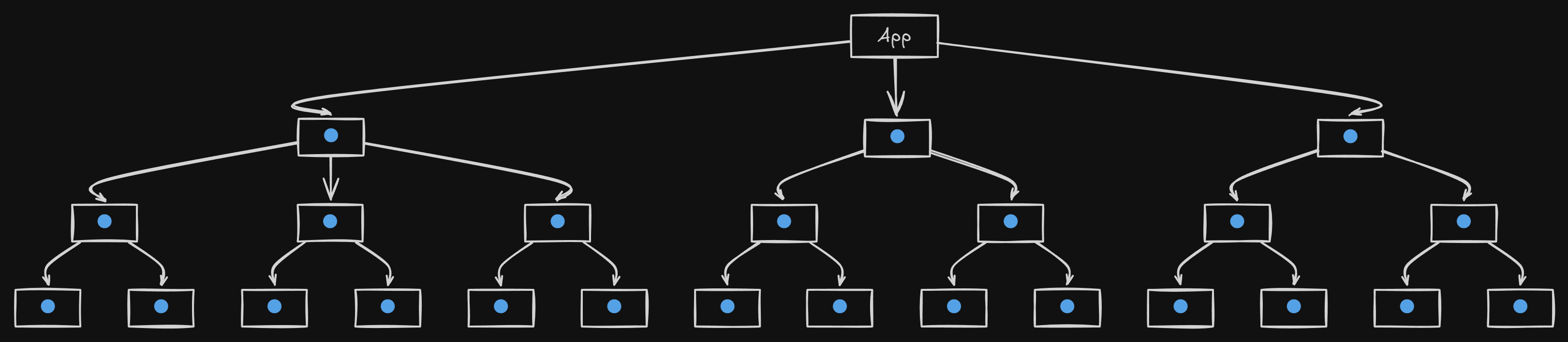
SPAs load content dynamically on the client. This means the initial HTML is essentially empty.
- Diagram
- React Diagram
- Code
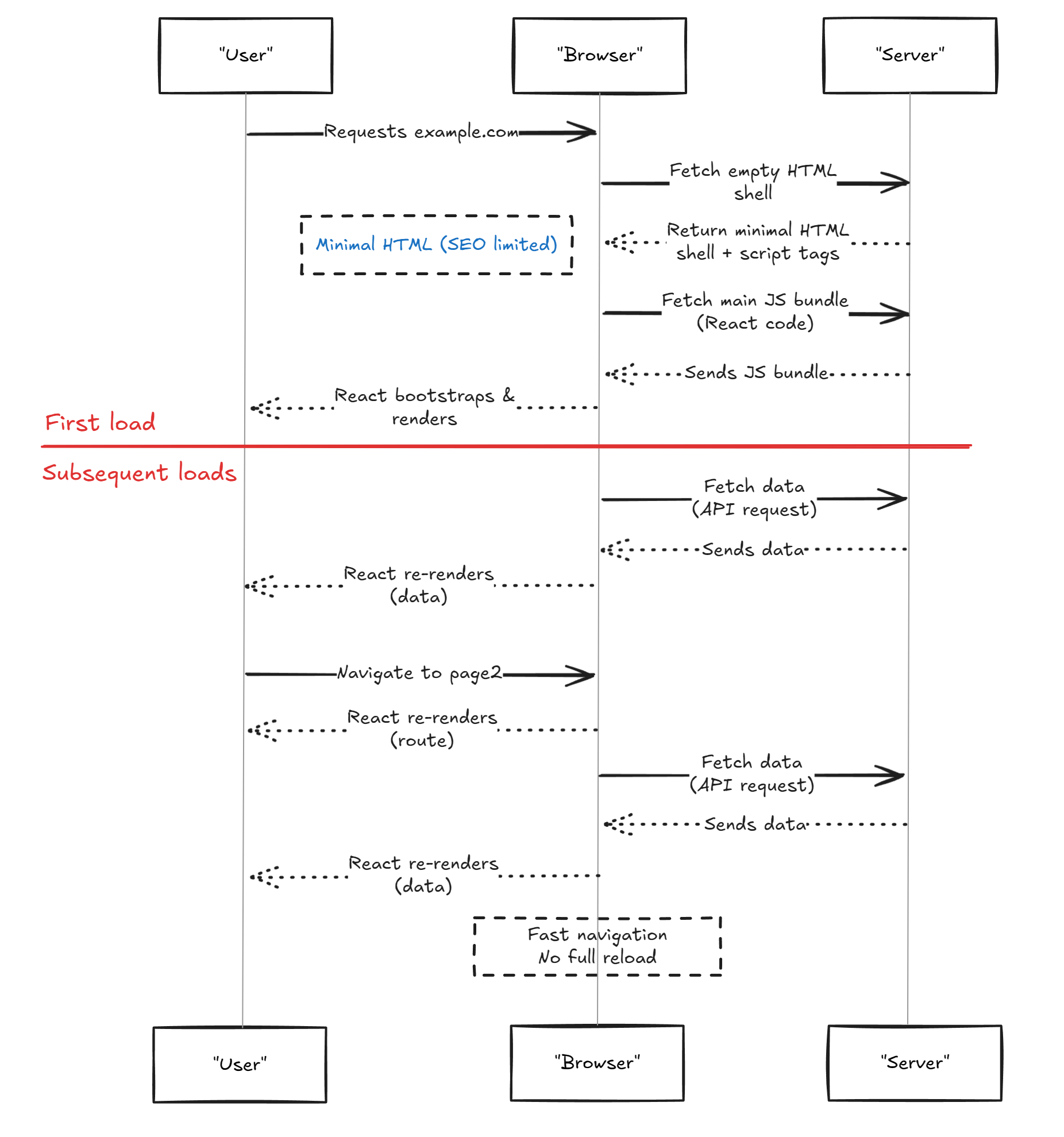
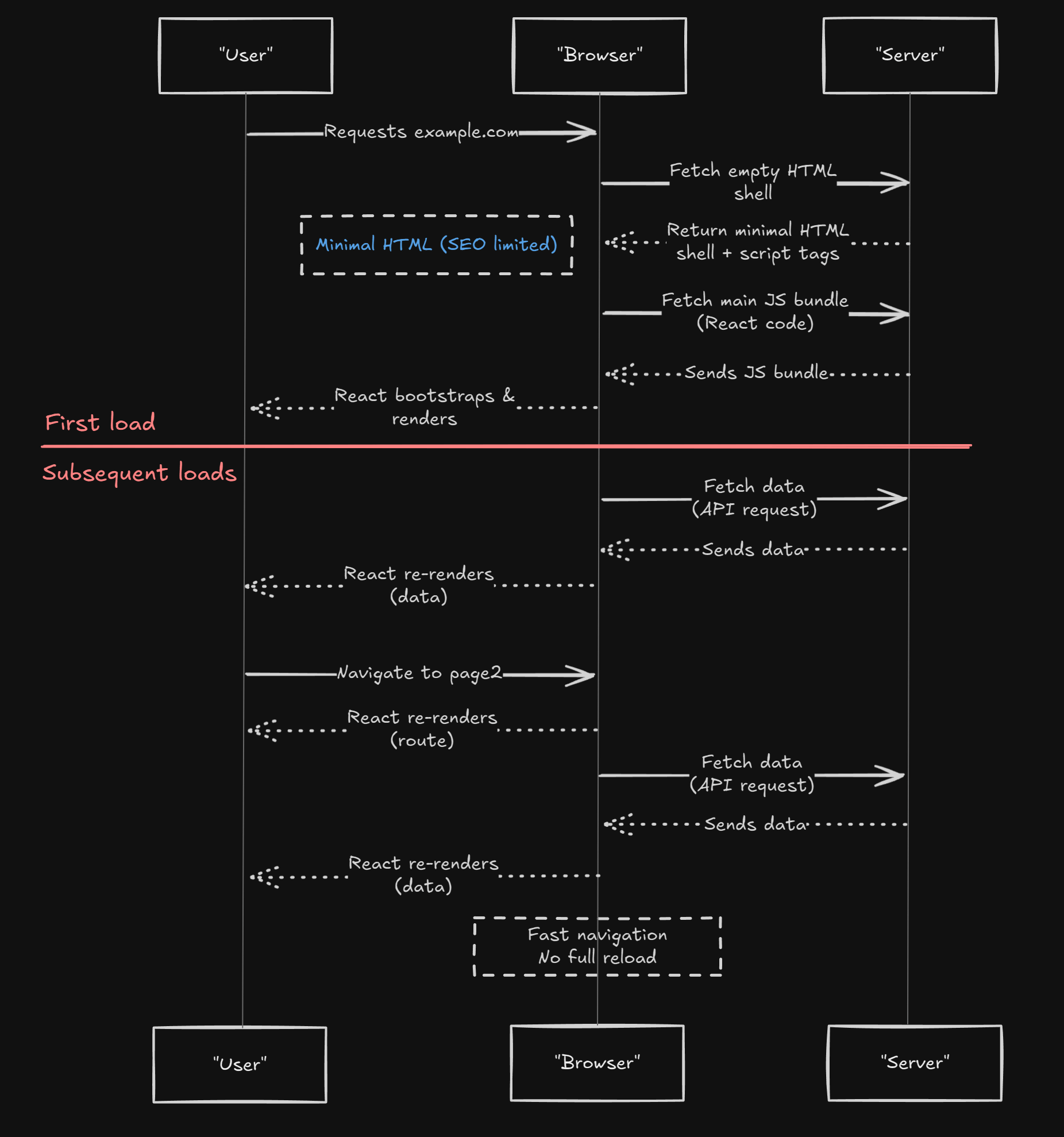
- Fast in-page navigation.
- Dynamic interactivity.
- Minimal initial HTML.
- Heavy reliance on client-side JavaScript.
SPA-influenced Isomorphic
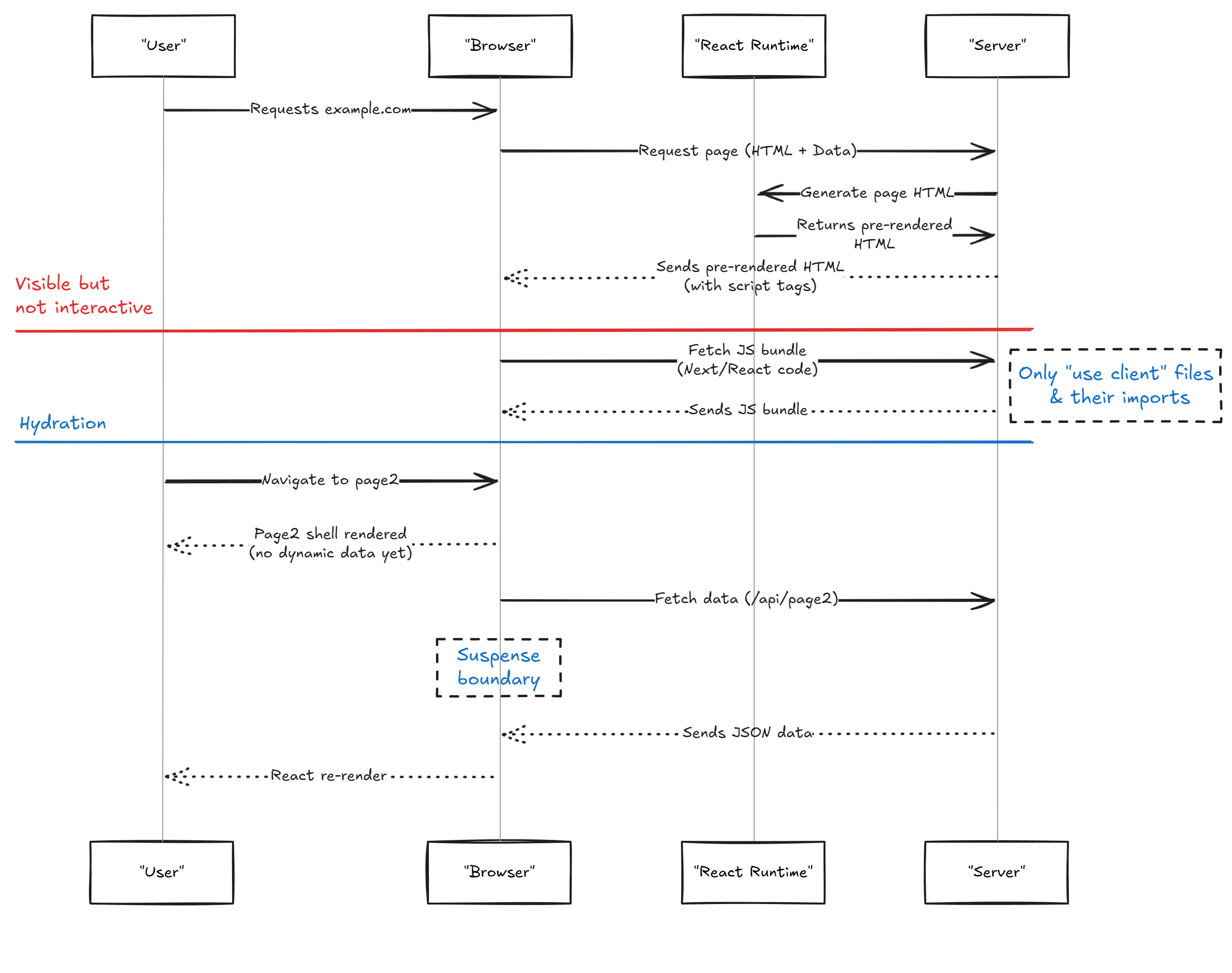
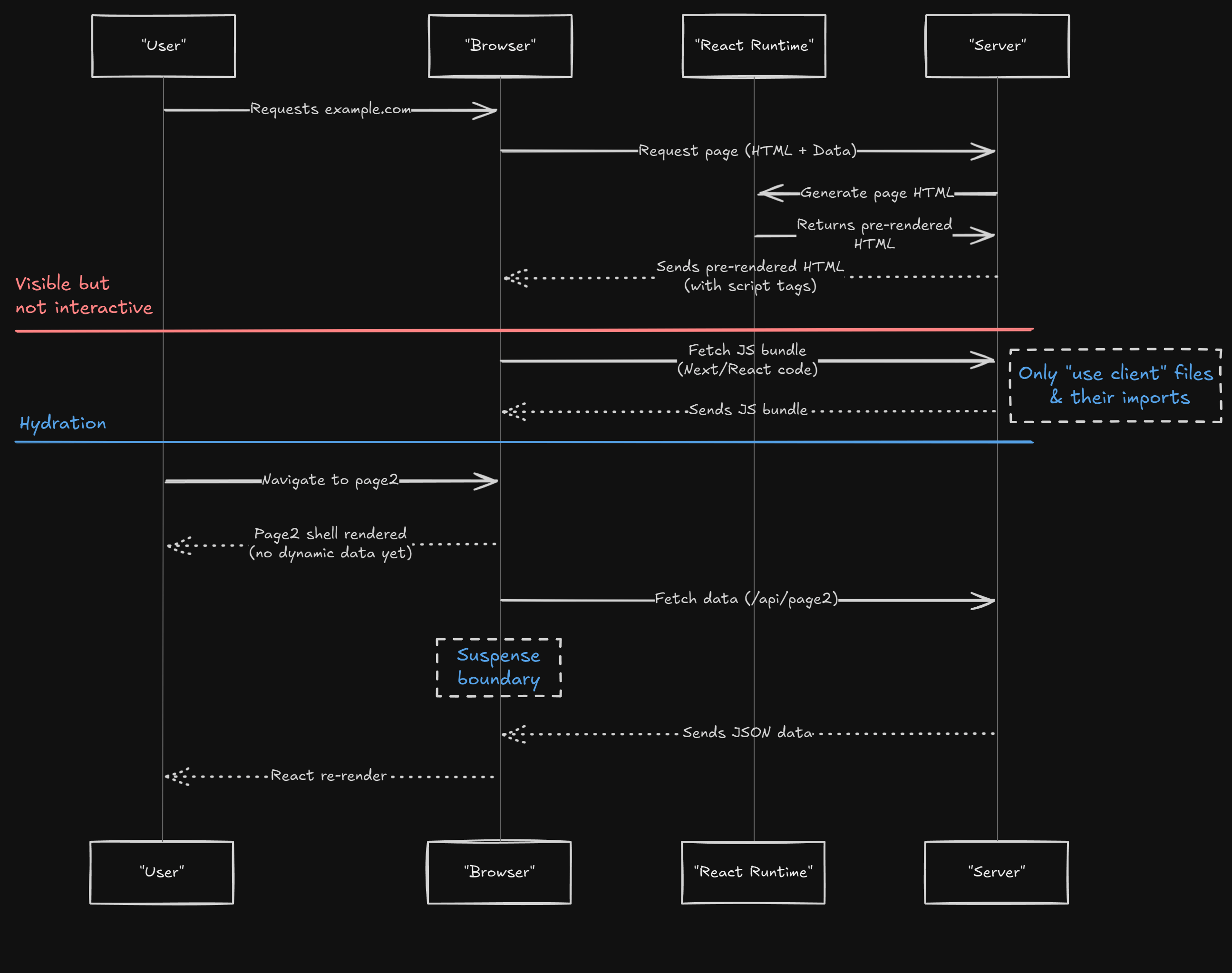
Initial HTML is rendered on the server for SEO and fast first paint, then hydrated on the client to enable interactivity.
- Diagram
- React Diagram
- Code
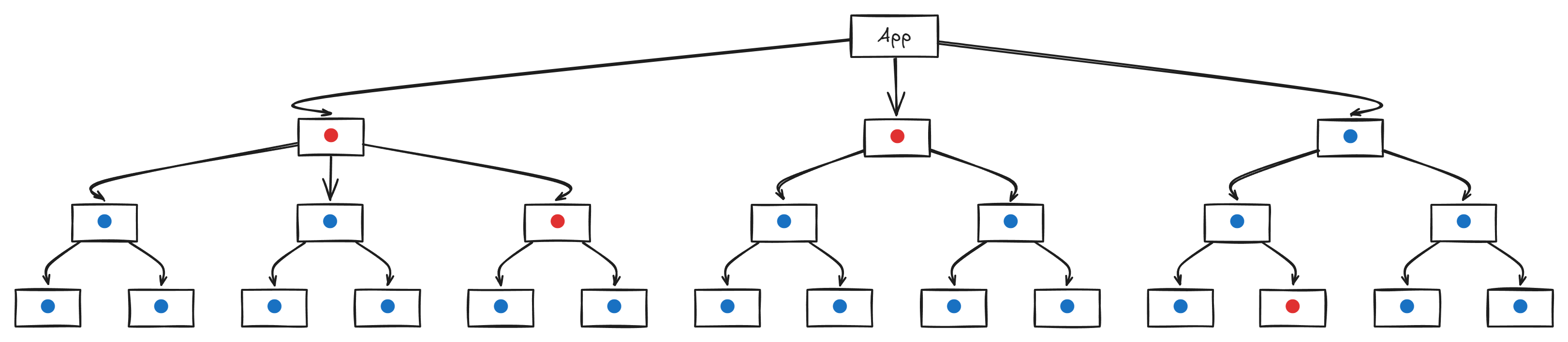
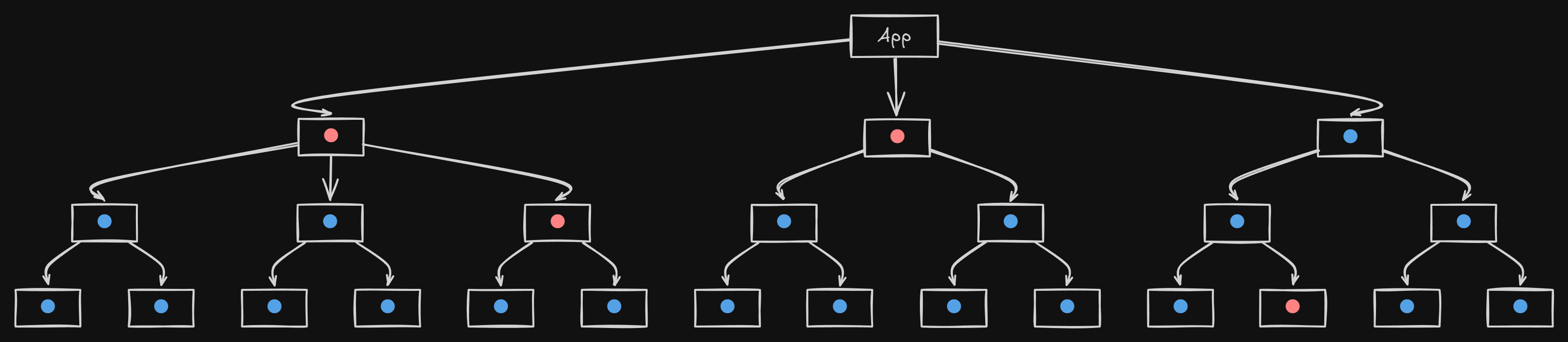
- SEO-friendly full HTML is delivered initially.
- Requires coordination between client and server.
- More complex setup.
MPA-influenced Split Execution
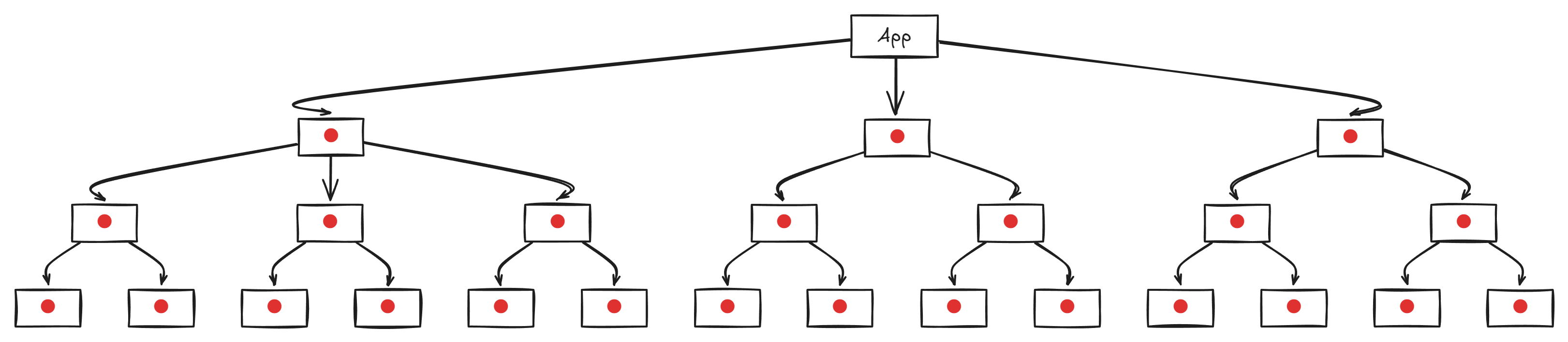
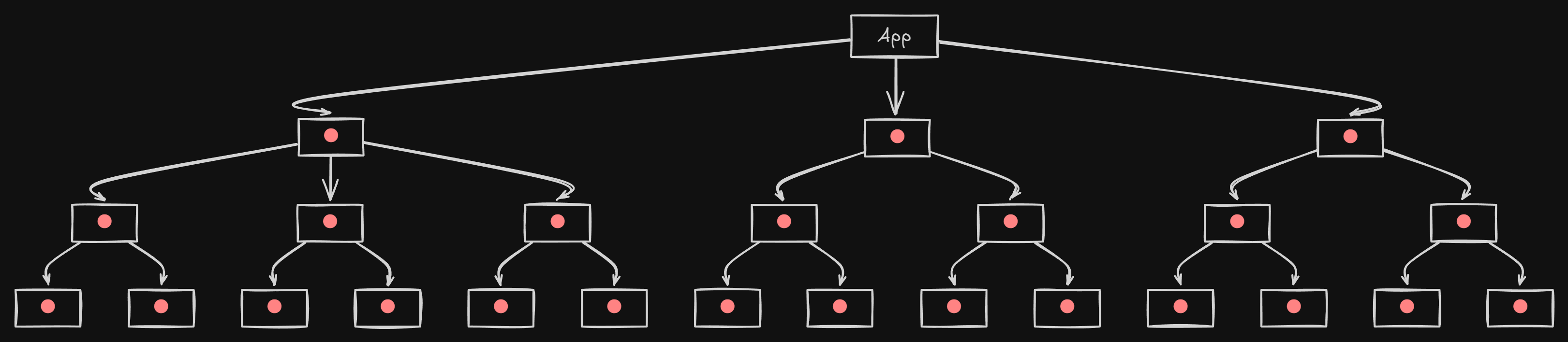
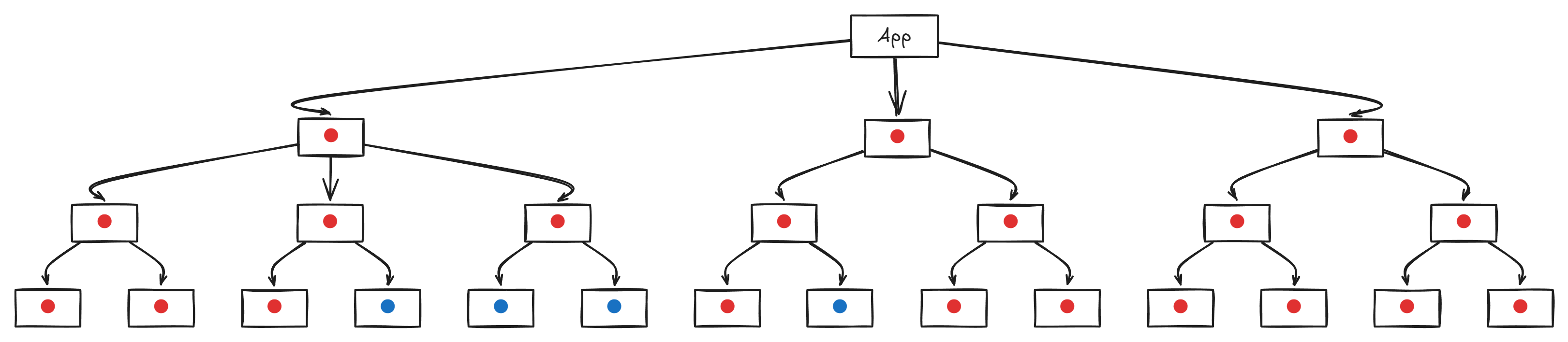
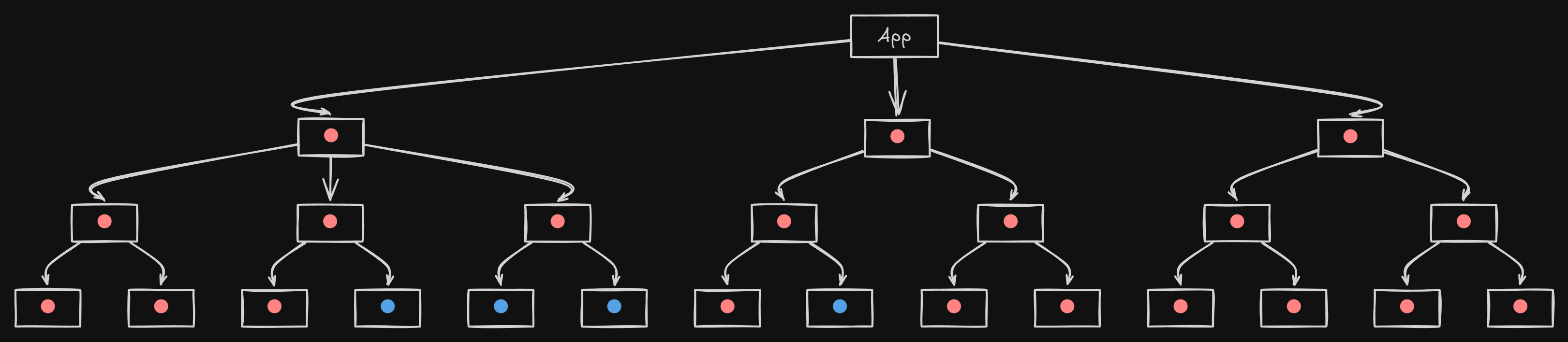
Mostly/Fully HTML rendered on the server using server actions.
- Diagram
- React Diagram
- Code
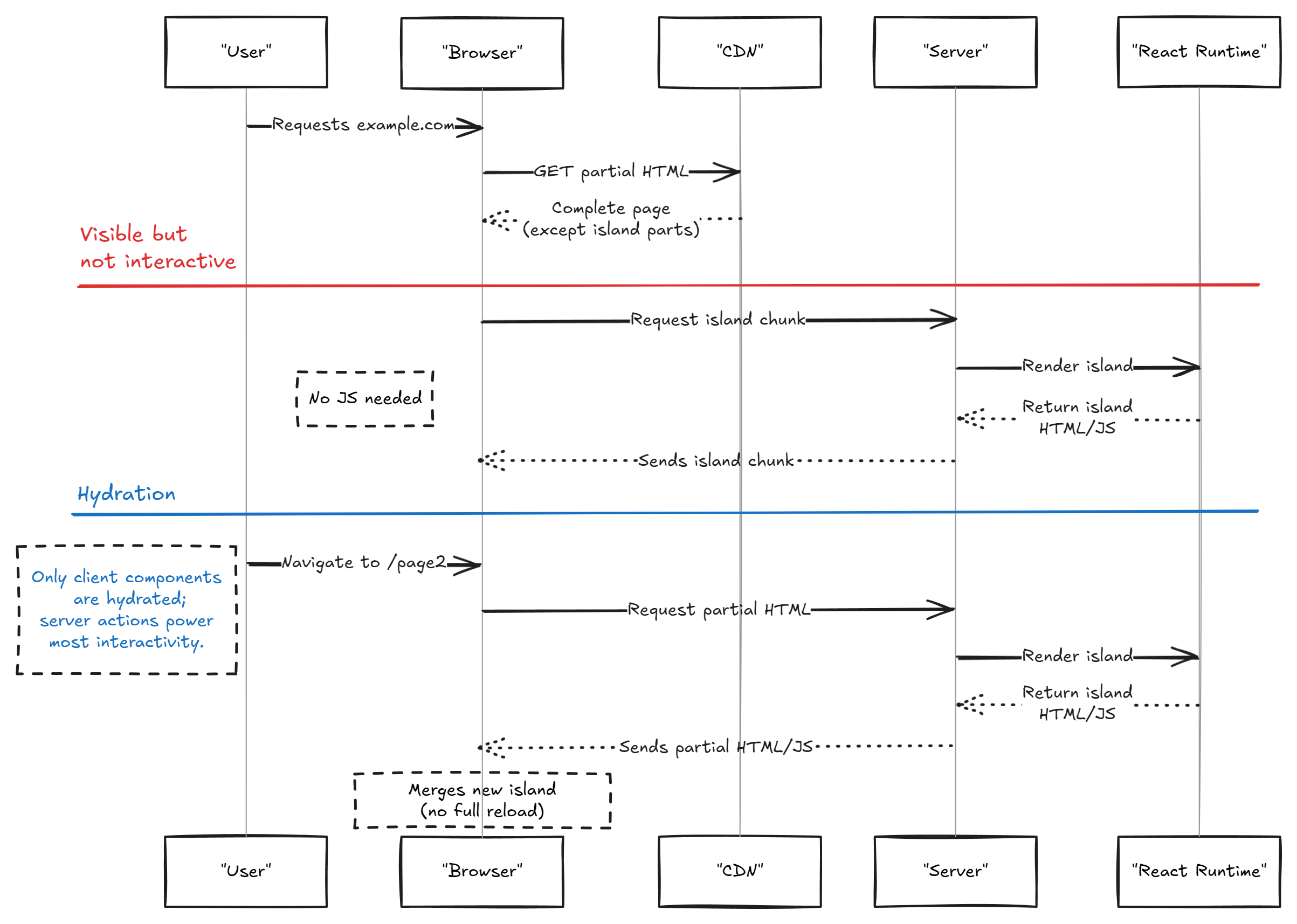
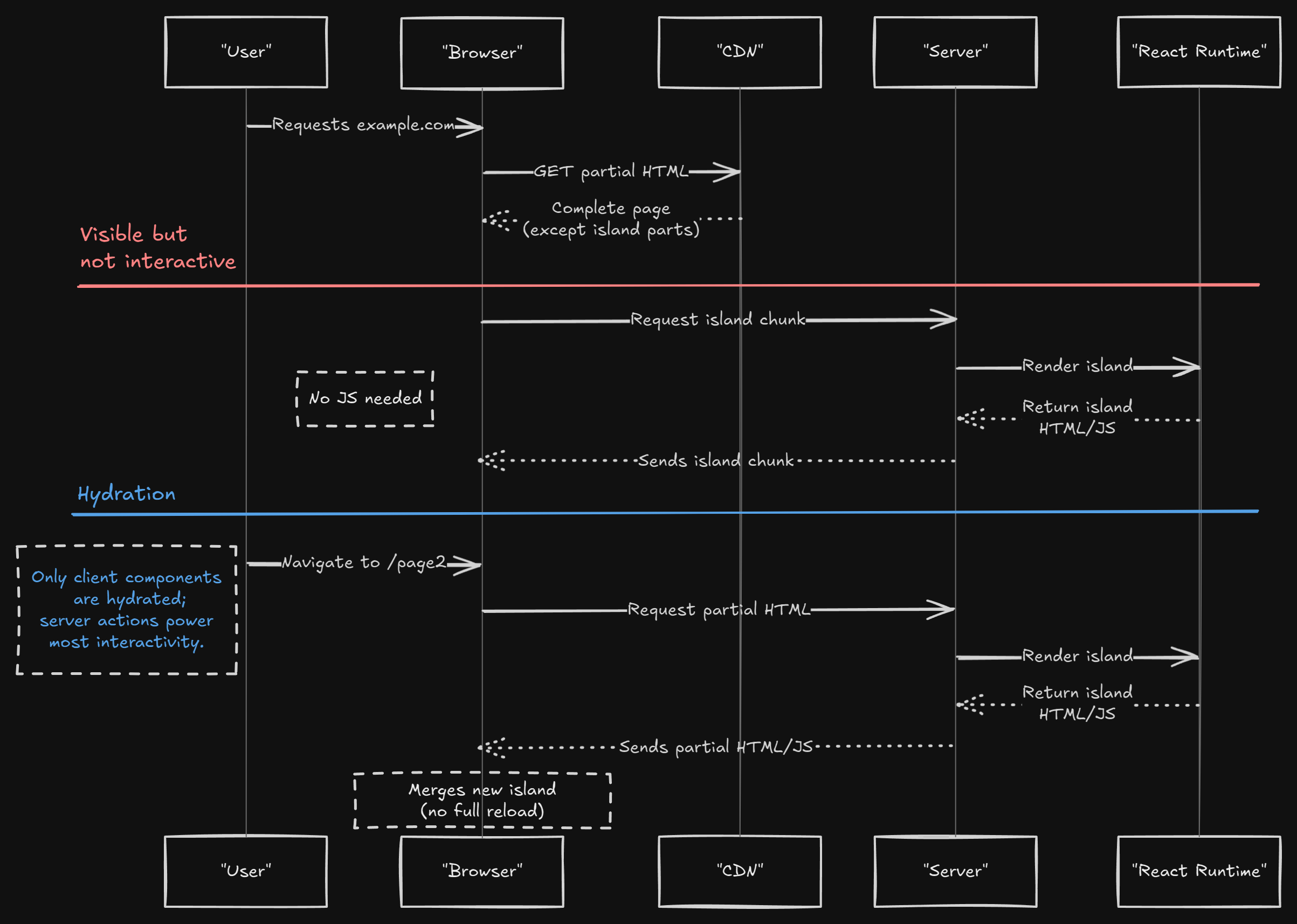
- CDN-friendly HTML delivery.
- Minimal client-side code.
- Excellent SEO.
- Client-side interactivity may require additional handling.
- Increased server CPU consumption.
📊 Rendering Strategy Comparison
🚀 Live Example: NextFaster
To see these rendering strategies in action, check out NextFaster — a real-world project that blends server components, React islands, and split execution for optimal performance and SEO.- ⚙️ React Server Components with minimal client-side JS
- 🔄 Server Actions and Edge revalidation
- 💸 Exceptionally low hosting cost while high performance
- 🔍 Excellent SEO and performance balance
Ideal for studying modern rendering techniques in Next.js 14+ with App Router.
📺 Recommended Videos
Comparing Data Fetching Strategies

Data Loading in Next.js 15

Why Server Components Matter

SSR vs CSR: SEO Pitfalls

📚 Further Reading
- React Server Components
- React Query
- Next.js Documentation
- Server Actions in Next.js
- React Query vs React Server Components