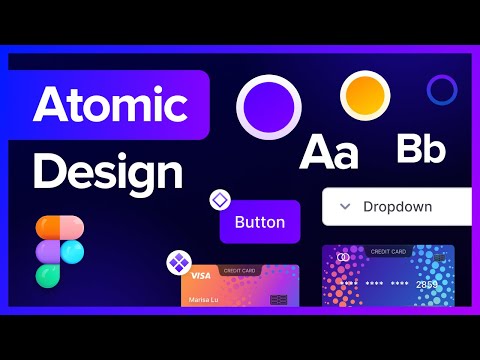
✨ Introduction
In the world of web development, consistency and scalability are essential for high-complexity projects, especially in large companies. Atomic Design allows us to break down interfaces into fundamental parts, making maintenance, reuse, and collaboration among teams easier.🔍 What is Atomic Design?
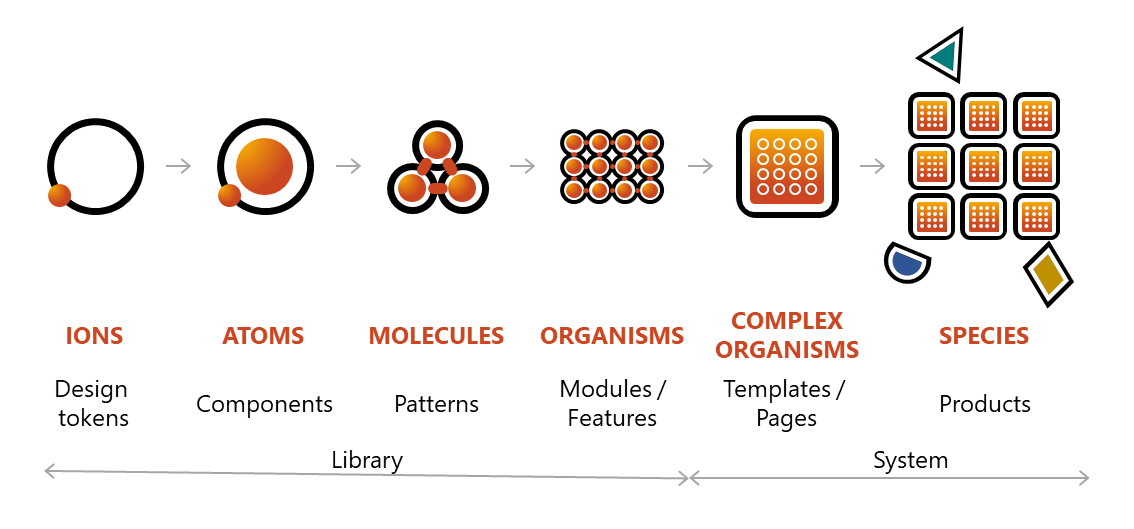
Atomic Design was introduced by Brad Frost and is inspired by the composition of matter, where small components (atoms) combine to form more complex structures:- Atoms: Basic elements such as buttons, inputs, or icons.
- Molecules: Combinations of atoms that form functional units, for example, a search field (input + button).
- Organisms: Groups of molecules that build sections of an interface, such as a header or a product card.
- Templates: Structures that define the layout of organisms on a page.
- Pages: Real instances of templates with final, specific content.
🧱 How to Build Components with Atomic Design
Imagine you are building a part of your application. How would you do it following Atomic Design?- Identify the atoms you will need: icons, buttons, images, labels, etc.
- Build the molecules using those atoms. Molecules are simple combinations with a specific functionality.
- Form organisms by combining several molecules. Organisms represent more complex and reusable components.
- Create systems by uniting different organisms.
- Build the final views that the user will see, assembling the above systems.
- Atoms
- Molecules
- Organisms
- Systems
- Views


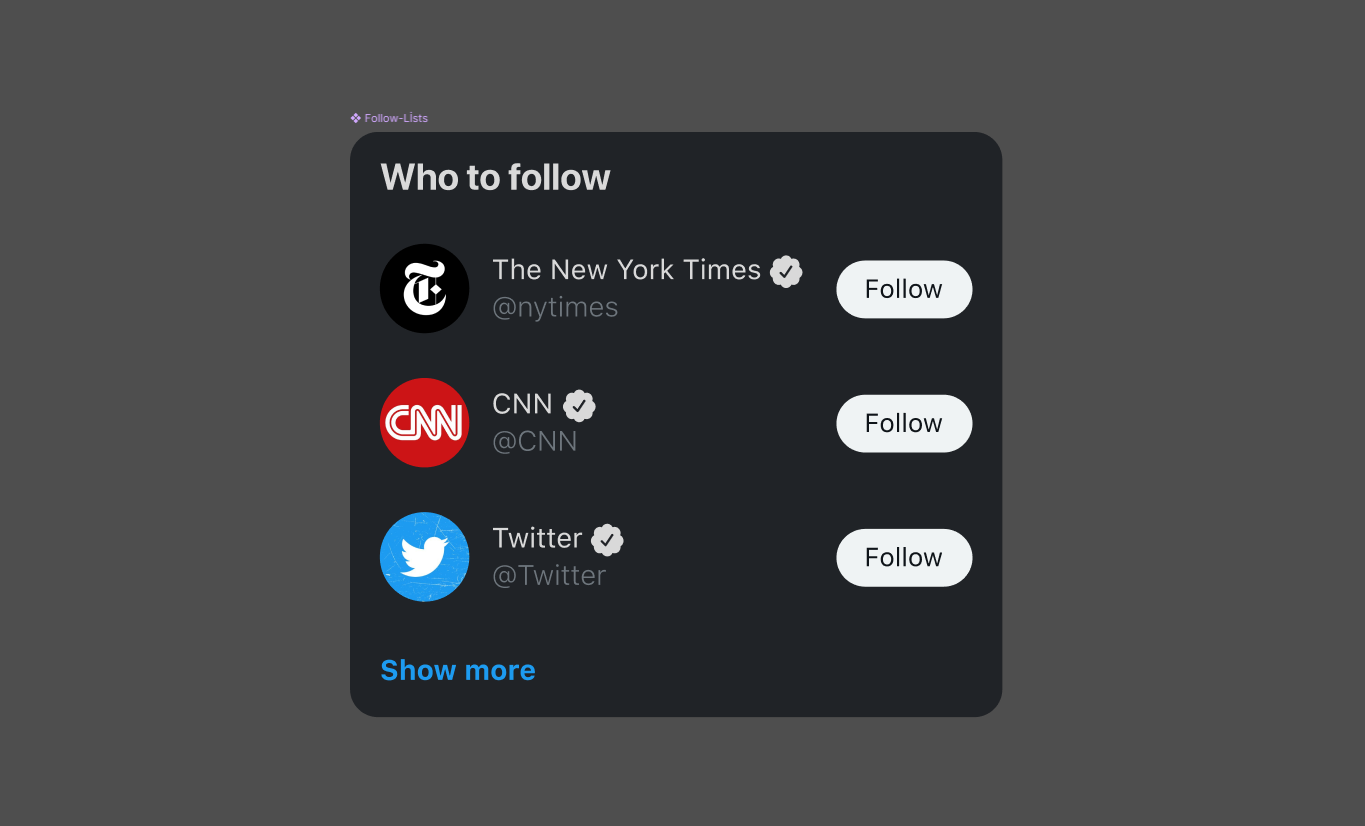
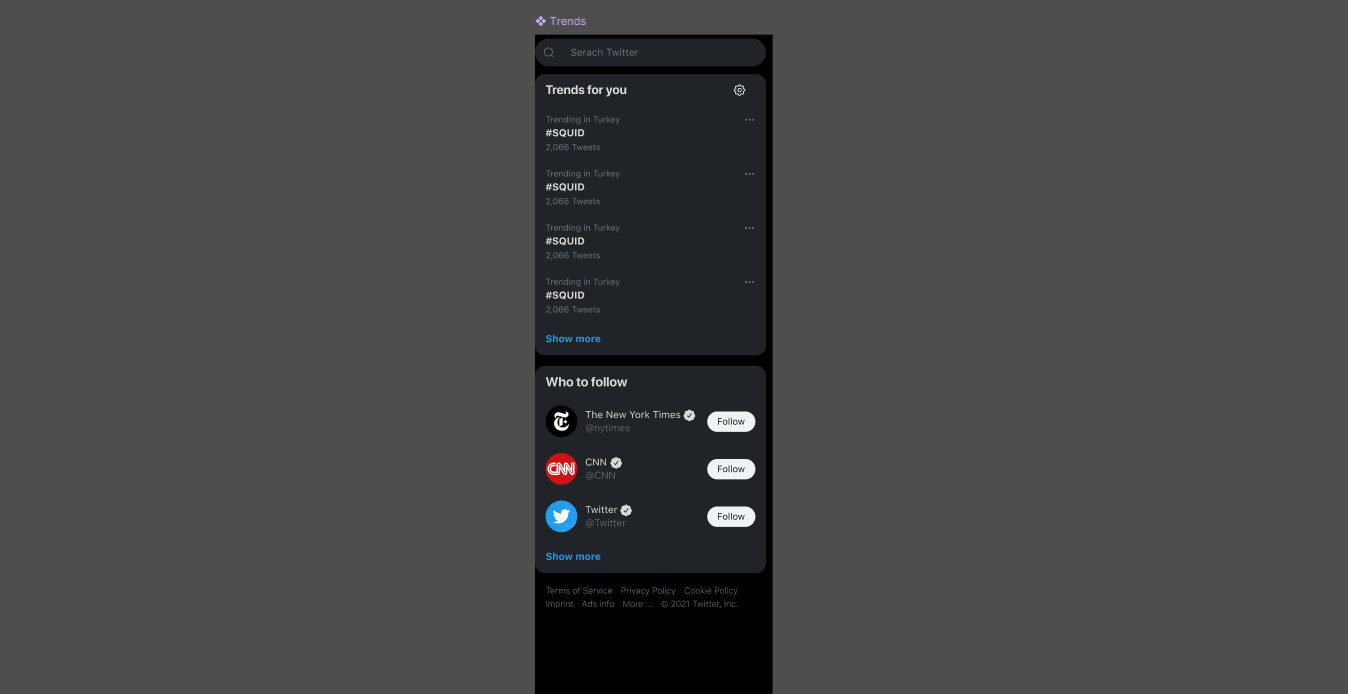
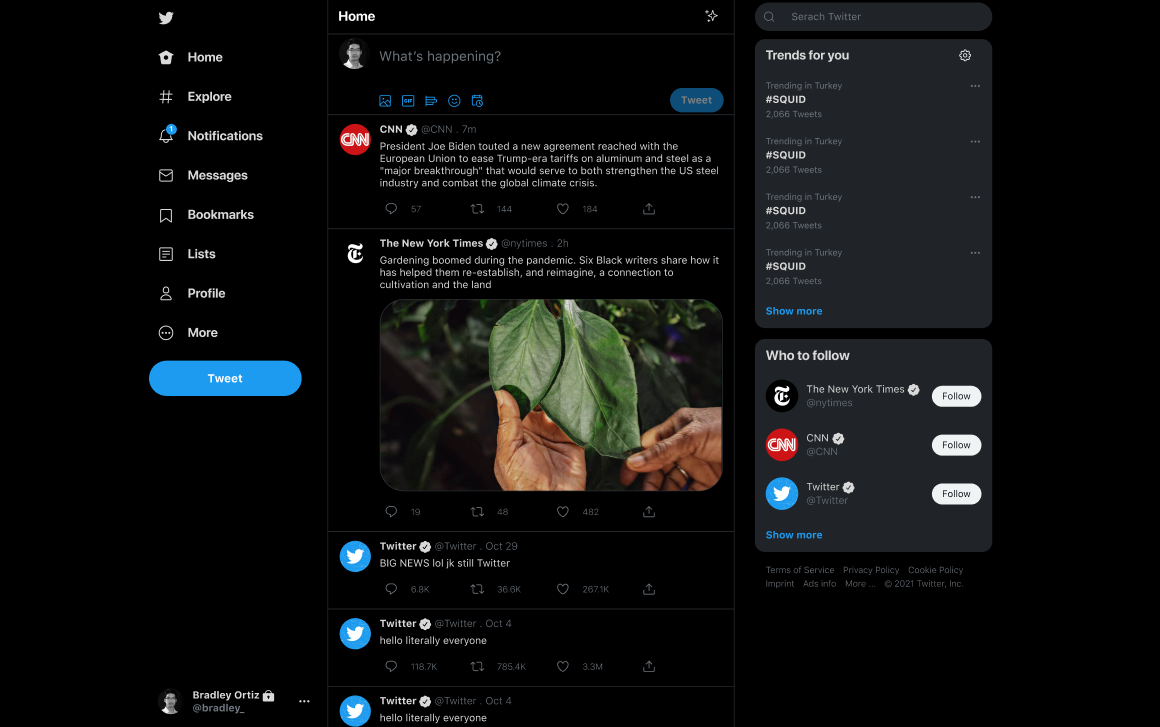
The idea is to build scalable interface systems, enabling a coherent workflow between designers and developers.
🎯 Why Use Atomic Design?
Adopting Atomic Design brings structure, efficiency, and clarity to interface development. Based on modular and reusable components, this approach improves both the user experience and the workflow among teams. Here are its main advantages:1. Consistency and Reusability
-
Reusable components:
Breaking down the interface into small units (atoms, molecules, organisms) allows you to build complex interfaces from simple pieces, avoiding code duplication. -
Consistent design:
The components follow defined visual and behavioral rules, ensuring a uniform experience throughout the application.
2. Scalability and Maintainability
-
Easy maintenance:
Modifying a base component (such as a button or an input field) automatically updates its behavior and appearance across the entire system. -
Orderly growth:
The modular structure facilitates project expansion without compromising organization, enabling agile adaptation to new needs.
3. Improved Collaboration
-
Common language:
Designers and developers share clear terminology (atoms, molecules, organisms), which improves communication and reduces misunderstandings. -
Agile prototyping:
The modular blocks allow for rapid construction and validation of ideas, speeding up the iterative design and development process.
4. Higher Product Quality
-
Fewer errors:
Reusing well-tested components reduces bugs and facilitates isolated testing of each unit. -
Better performance:
The clear structure and optimized code favor faster load times and a smoother experience.
⚠️ Disadvantages and Considerations
Although Atomic Design is powerful, it is important to consider:- Learning curve: Changing from monolithic to modular approaches can be challenging for some teams.
- Component overload: Over-decomposition may generate too many files, complicating management.
- Coordination: Maintaining good communication between designers and developers is essential to avoid inconsistencies.
Finding the right balance in component granularity is key to avoiding overloads that complicate the project.
🛠️ Complementary Tools
To enhance the implementation of Atomic Design, it is recommended to integrate tools that facilitate documentation, testing, and collaboration:- Storybook: For creating and documenting components interactively.
- Figma: For designing and prototyping interfaces collaboratively.
Document each component and define clear naming conventions to maintain consistency throughout the project.